
How to Build a Setlist That Works on Stage: From Song Order to a Distraction-Free On-Stage View
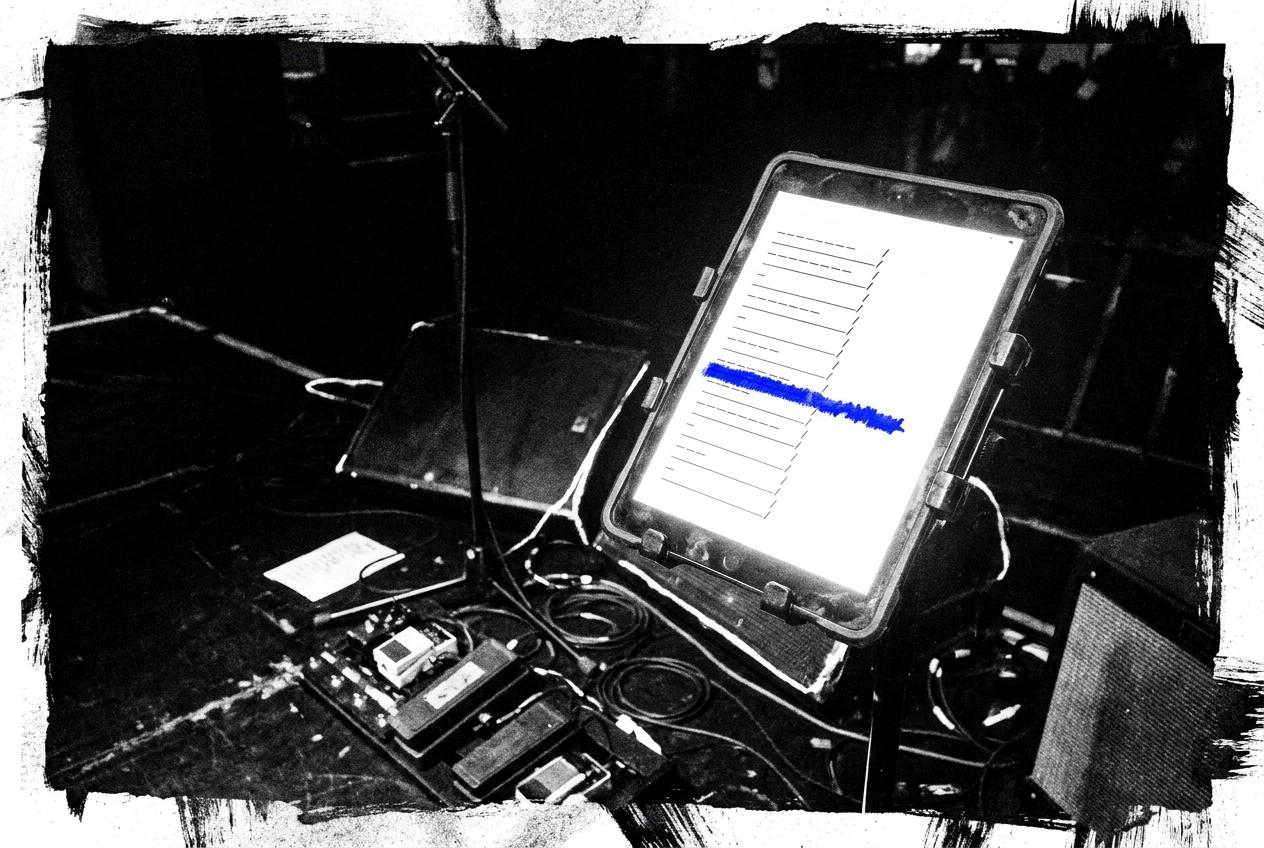
You've spent hours building the perfect setlist. The order feels right, the energy builds exactly where you want it to, and you're confident it's going to land. Then the lights go down, someone's phone dies, the shared Google Doc won't load, and suddenly you're squinting at a crumpled piece of paper under a stage light trying to remember what comes after song four.
Sound familiar?
A great setlist is more than a running order. It's a performance tool, and like any tool, it only works if you can actually use it when you need it. That's where most bands drop the ball. They treat setlist design and on-stage delivery as two separate problems, when really they're one continuous challenge that needs solving together.
In this guide, we're going to walk through both sides of that challenge. You'll learn how to build a setlist with a genuine energy arc, how to handle transitions and momentum, and how to choose the right setlist helper to make sure what you built at home actually works on stage. Let's get into it.
Why Setlists Fail on Stage (Even Good Ones)
You can spend hours crafting the perfect running order at home, only to watch it fall apart the moment you walk on stage. The problem is rarely the songs. It's the format.
The most common failures are mundane but brutal: scrolling through a PDF on a locked phone mid-song, opening a shared doc only to find the venue has no mobile signal, or squinting at a crumpled printed list taped to a monitor under blinding stage lights. None of these formats were designed for live performance conditions.
There's another layer too. A bright phone screen in a dark room can pull your focus visibly away from the audience at exactly the moments that matter. And if your bassist is working from last week's PDF while the guitarist has a newer version on their phone, you have a version-control problem that no amount of good song selection can fix.
Here is the gap that almost all setlist advice misses: it covers song order in detail, then stops. What happens when the house lights go down barely gets a mention. Take your set on stage without that problem solved, and even a well-built setlist becomes a liability.
Your Setlist Is a Performance Tool, Not Just a Song List
Most musicians treat a setlist like a to-do list when it is closer to a script.
A setlist is a strategic performance plan that shapes audience experience from the first note to the last, controlling energy, emotion and momentum. Research into concert sequencing confirms that song order produces measurably different audience responses, independent of song quality. The same ten songs in a different sequence can leave a crowd buzzing or flat.
That matters most when the audience does not know you. A well-ordered setlist earns attention, builds trust and creates conditions for an unfamiliar crowd to become an engaged one, doing work the songs alone cannot.
A practical starting point is knowing how many songs you need. Industry guidance is consistent: 5 to 7 songs fills a 20 to 30 minute set, 10 to 12 covers 45 to 60 minutes, and 20 to 25 songs accounts for a full two-hour show across two or three sets with breaks.
Those numbers give you an immediate structural anchor. Once you know your slot length, you are making deliberate choices about what earns a place rather than staring at a blank page.
Managing those choices is where a proper approach to set lists pays off, shifting the task from band admin into creative direction. Every song is a decision, and the order of those decisions is the performance.
Know Your Venue Before You Write a Single Song
Once you know what kind of set you're building, the next question is: where are you playing it?
Venue type shapes everything before a single song goes on the list. The energy profile, the pacing, the opening choice, how familiar the material needs to be, all of it changes depending on where you're standing and who is in the room.
Pub gigs leave little room for a slow start. A busy bar is full of noise, conversation and distraction. If your opening song doesn't land with energy and something recognisable, you've already lost half the room. Start strong, start familiar, and earn the more adventurous choices later.
Wedding sets work differently. You're soundtracking a whole evening, and the mood needs to move deliberately, background warmth during the meal, something to coax people onto the floor, and a proper lift as the night builds. Energy that peaks too early, or settles at the wrong moment, can stall the room entirely.
Festival slots, at a festival, you may have only a couple of minutes to earn an unfamiliar crowd's attention before they drift to another stage. Big, recognisable moments up front, not a slow build. Save the atmospheric intro for a headline set you've earned.
For up-and-coming bands, a tight 20-minute set that leaves people wanting more will do more for you than an hour of material no one knows yet.
Practical step: before you open any setlist tool or write a single song down, define the venue type and your expected audience's familiarity with your music. Everything else follows from there.
The Energy Arc: The Framework Every Setlist Needs
The energy arc is the single most important structural principle in setlist design. Get it right and the audience stays with you for the whole set. Get it wrong and even your best songs feel flat because they land in the wrong place.
The core shape is straightforward. Open with fast, energetic material that establishes your sound. Move into slower or mid-tempo songs through the middle. Then accelerate again toward the close. That's it. Three phases, one through-line.
Your opening song is a statement of intent. It tells the audience exactly what kind of band they are watching before you've said a word. It sets expectations for everything that follows, so it needs to represent you accurately, not just be the most impressive thing you own.
Genre shapes how you open, too. In practice, rock and metal acts can use a cymbal wash to build tension before the first note lands; funk, Motown and jazz acts sometimes bring instrumentalists in first, letting the groove establish itself before the vocalist steps up. Both approaches earn the room's attention without rushing it.
The middle of the set is where the show breathes. This is the right place for singalongs, a story between songs, or a moment that connects you to the room. It is not where energy dies; it is where a different kind of energy does its work.
Then the closing run should feel like a gear change. The audience should feel the lift before the songs even begin.
How to Order Your Songs: Transitions, Keys and Momentum
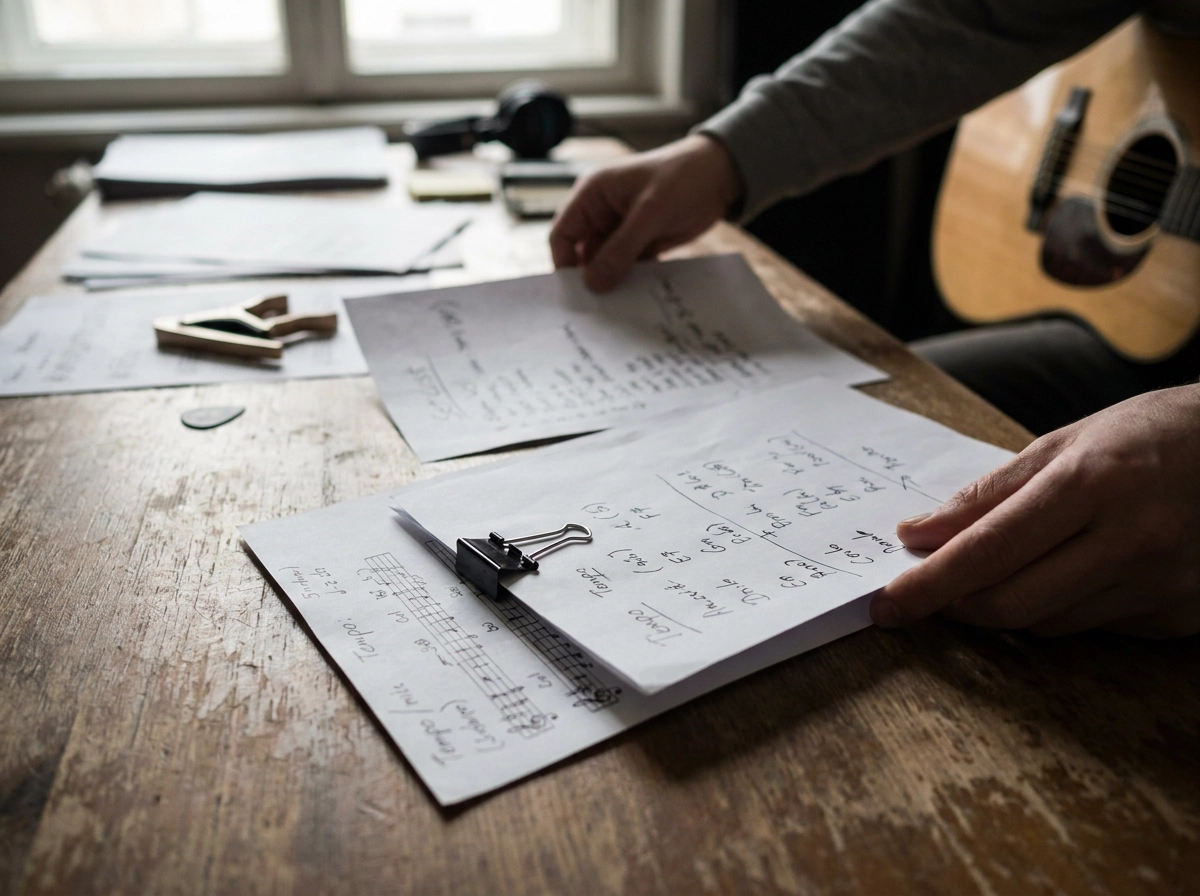
The arc gives you the shape. Sequencing fills in every detail between the lines, and each transition either carries momentum forward or quietly kills it.
Start with key and tempo compatibility in your opening run. Jumping between clashing keys or lurching from a fast driving track to something slow and spacious can unsettle an audience that is still deciding what it thinks of you. That first impression window is short; don't spend it making people feel disoriented.
A practical approach: group songs by feel or tempo cluster, then place your deliberate contrast points where you actually want to shift the room's energy. The contrast becomes intentional rather than accidental, and the audience feels the gear change rather than a stumble.
Place your strongest songs strategically. One opens the show as a statement; one closes it as the payoff. A third strong song placed early in the set reinforces that opening statement before energy has had a chance to dip. Think of it as three anchors holding the whole structure in place.
Flag every song that requires a tuning change, instrument swap or technical setup before you finalise the order. These moments will pause the show regardless, so build them in where a brief pause serves the arc rather than interrupts it. A re-tune mid-closing run deflates the room; the same re-tune after a mid-set ballad barely registers.
At this stage, a dedicated setlist helper makes the whole process faster. Dragging songs into new positions takes seconds; rewriting or reprinting a paper list every time you change your mind does not.
Printed Lists, PDFs and Shared Docs: Why They Break Down on Stage
So you've built a well-ordered setlist at home. The hard part is making sure it survives contact with the actual stage.
Printed lists feel solid until the tape loses its grip, the paper slides behind your monitor, or you're squinting at eight-point font under a dim stage wash. A last-minute change means hunting for a pen and scrawling over something already cramped.
PDFs on a phone aren't much better. Between songs, you're unlocking the screen, opening an app, pinching to zoom, reading, then letting the screen lock again before you've even counted in the next song. Each step pulls your attention away from the room.
Shared docs and spreadsheets introduce a different risk: they depend on a live connection. Venue WiFi can be patchy, and mobile signal in a basement bar or festival backstage may not be there at all. If the doc doesn't load, you're performing blind.
The problem isn't any individual tool failing. It's that none of these formats were designed for live performance conditions: low light, divided attention, no free hands, and an audience watching every hesitation.
What the stage actually demands is a view that surfaces exactly what you need at that moment, song title, key, any critical notes, and what comes next, with no extra navigation and no reliance on a signal you might not have.
That's a specific problem, and it's what a purpose-built setlist app like Set Buddy is designed to solve, in ways that generic document formats simply cannot.
What a Distraction-Free On-Stage View Actually Looks Like
So what does the right solution actually look like in practice?
The core requirement is focus. A proper on-stage view shows the current song, any key performance notes, and what is coming next. That is it. Nothing else on screen, nothing competing for your attention when you are mid-song and need a quick glance.
It must also work without an internet connection, for the same signal reasons already covered.
Screen readability matters more than most musicians consider until it catches them out. A display optimised for low light, with strong contrast and sensible brightness, should be readable the moment you look down. You should not be fumbling with screen settings between songs.
Navigation needs to be as simple as a single tap. Cold hands, a plectrum between two fingers, a guitar strap pulling at your shoulder, none of that should make moving to the next song difficult.
Set Buddy's Gig Mode is built around exactly these conditions. It presents your setlist as a clean, scrollable on-stage view designed specifically for live performance.
Because everything is managed in the same platform, Gig Mode always shows the current version, no stale screenshots, no corrected printouts.
From Song Library to Stage: Using a Setlist App End to End
Gig Mode solves the on-stage view. But that view is only as reliable as the workflow behind it.
When a song library, setlist builder and on-stage view live in three separate tools, things get lost in translation. A note added to a spreadsheet doesn't follow the song into the app. A key change flagged in the group chat doesn't appear on stage. Each handoff between tools is a point where information drops.
In Set Buddy, songs live in a shared band library. Members can attach keys, performance notes and reminders directly to each song, and that information travels through to the setlist and into Gig Mode automatically. Nothing needs re-entering at each stage.
Setlists are shared via a private link, so every member is looking at the same version before the gig. No screenshots, no "which version did you print?" conversations. If something changes on the day, it updates for everyone immediately; no reforwarding a PDF, no reprinting at the last minute.
The setlist also doesn't exist in isolation. Gig information and supporting details sit in the same platform, so the running order connects to the full picture of the night rather than floating in a separate document.
For cover bands, tribute acts and wedding bands carrying large repertoires, a searchable song library connected to a setlist helper makes building venue-specific sets significantly faster. Filter, select, order and share, all without switching apps.
Build It Right, Then Deliver It Right
Getting the setlist right and getting the delivery right are two separate jobs. Both have to work on the night.
Before you write a single song name down: identify your venue type, build around the energy arc, put your strongest songs where they do the most work, and sort your transitions in advance. Those four steps cover the craft side completely.
Then check your delivery format. If it requires a signal, needs two hands to navigate, or becomes unreadable under stage lighting, it will let you down at exactly the wrong moment.
A dedicated app like Set Buddy keeps library, running order and on-stage view in one place, so last-minute changes reach everyone without version-control headaches.
Set Buddy is free to get started. Build your song library, put together your first setlist, and open Gig Mode before your next show to see the on-stage view for yourself. The offline-first app means it works in a signal-dead basement or a festival backstage without hesitation.
A setlist built with care and delivered through the right tool is the difference between a good show on paper and one that actually lands.
Conclusion
A setlist that works on stage is the result of two things done well: smart construction and reliable delivery. Know your venue, map your energy arc, place your strongest songs with intention, and plan your transitions before the first note. Then make sure your format holds up under real stage conditions, because a great setlist that falls apart at the music stand helps no one.
Set Buddy is free to get started. Build your library, create your first setlist, and open Gig Mode before your next show to see exactly what you'll have in front of you on the night.