
Band and Gig Management Software: What Independent Musicians Actually Need
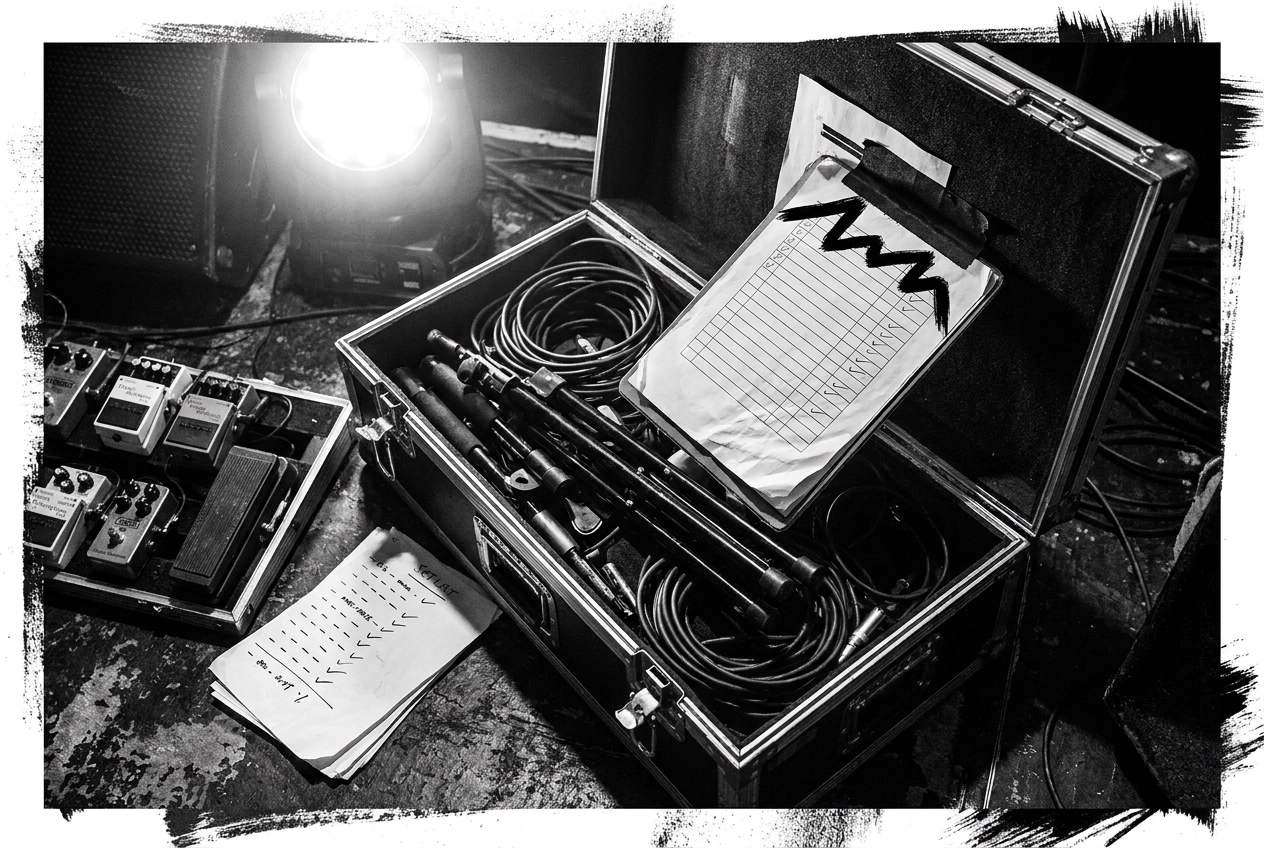
You've got a gig in three weeks. The setlist is buried in a group chat, half the band doesn't know which songs are confirmed, and someone just messaged asking if you remembered to book the PA system. Sound familiar?
Most independent musicians are running their bands on a messy combination of spreadsheets, WhatsApp threads, and optimistic memory. It works, kind of, until it really doesn't. The good news is that a decent band management app can fix most of this without requiring you to become a tech person or spend money on software built for stadium tours.
This post is written for regular gigging musicians who just want things to run smoother. We'll walk through what a band management app actually means for independent acts, the specific features that genuinely solve real problems (song libraries, setlist builders, gig scheduling, equipment checklists), and the ones you can safely ignore. By the end, you'll have a clear, realistic checklist to help you find the right tool for where you actually are, not where you might be in ten years.
Less chaos, more music. Let's get into it.
The Spreadsheet and WhatsApp Problem Most Bands Refuse to Admit
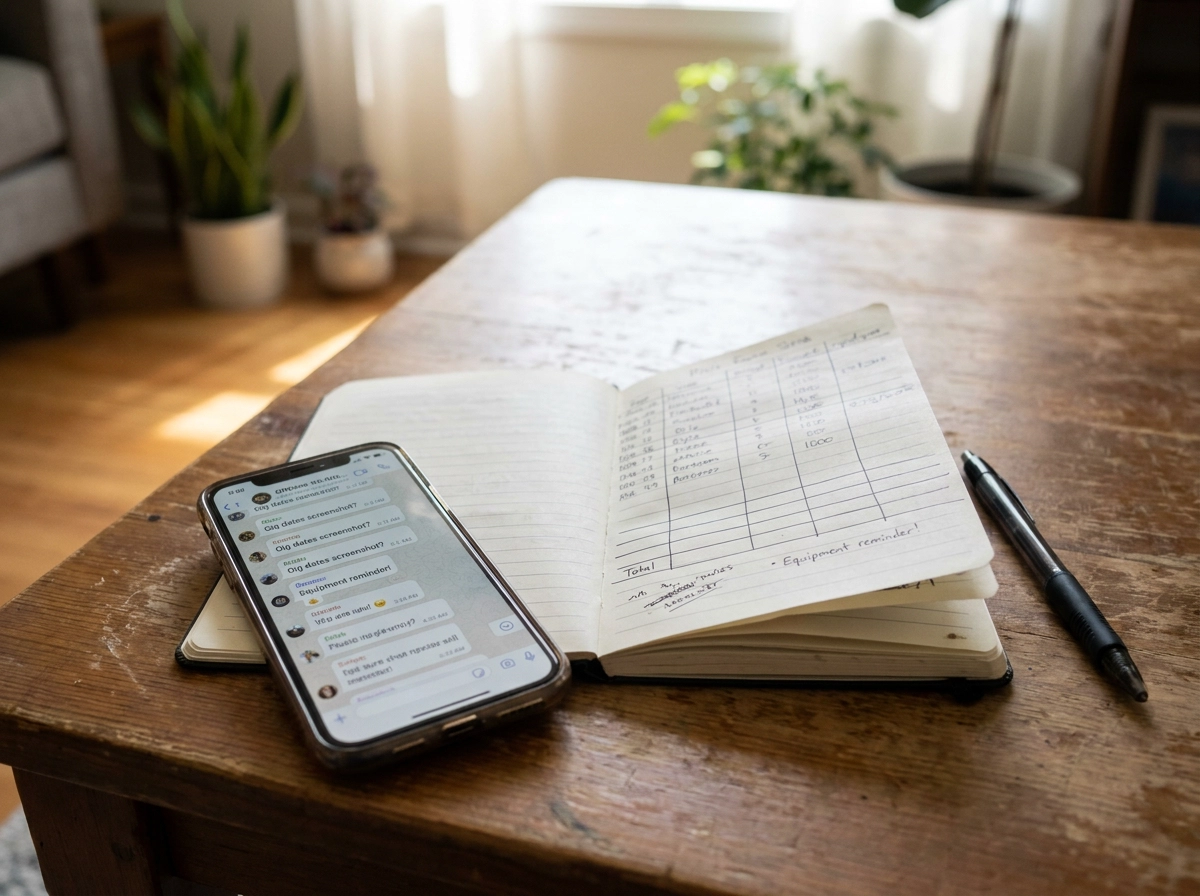
You already know the setup. The setlist lives in a Google Sheet that one person owns. Gig dates are in someone's personal calendar, shared, sort of, via a WhatsApp screenshot. The equipment reminder arrives at 11pm the night before, buried six messages deep between an argument about the setlist order and a meme nobody asked for.
It works. Just about. Which is exactly why nobody fixes it.
Until the night it doesn't work. The wrong setlist version gets pulled up on stage. Someone didn't see the message about the earlier load-in. The tuner is sitting on a shelf at home because the checklist only existed in one person's head.
The real cost is not the missed gig fee or the embarrassment. It is the mental load of holding everything together, the rehearsal time lost to admin that should have been sorted already, and the low-level anxiety that follows every organised-enough band into every soundcheck.
The good news is that solving this does not require enterprise tour-management software built for acts with road crews and booking agents. Independent bands need something far simpler: one organised place for songs, setlists, gigs and gear.
That is exactly what this article covers. A practical feature checklist written from the perspective of a covers band or semi-pro act, including a free tier to get started without any commitment.
What a Band Management App Actually Means for Independent Acts
So what does "band management software" actually mean when you're a six-piece covers band rehearsing in a pub function room, rather than a touring act with a road crew and a booking agent? The short answer: something completely different.
Professional tour management suites handle routing, accounting integrations, crew logistics and a range of financial and operational complexity that simply does not apply to independent acts. That is not what you need. A band organisation app for independent musicians is simply a tool that keeps your songs, setlists, gigs and gear in one place, without requiring IT skills or a setup weekend to get going. Simplicity is not a compromise; it is the whole point.
The practical scope is deliberately narrow: your song repertoire, the setlists you build from it, the gigs those setlists belong to, the gear you need to bring, and a reliable on-stage view when you are actually playing. That is it. Set Buddy Live is built around exactly this scope, pulling all of it into one platform so nothing falls through the gaps between tools.
A Song Library That Everyone in the Band Can Actually Use
Everything else in your band setup depends on this one thing: knowing exactly what songs you can play.
Without a shared repertoire, you cannot build a setlist, plan a rehearsal or bring a new member up to speed. Yet for most bands, the "library" is scattered across four different phones. One guitarist has the keys written in a notes app. The BPMs got discussed in a WhatsApp thread nobody can find. Nobody actually knows, at a glance, which songs are stage-ready and which still need work.
A proper song library fixes all of this. Each song gets a record: title, original artist, key, tempo, duration, and any notes the band needs. Crucially, the whole band sees the same list, which makes rehearsal planning a five-minute job rather than a group-chat negotiation. "Are we doing that Foo Fighters cover?" becomes a question with an obvious answer, not a thread of twelve replies.
Import and export matter too. Your repertoire data should move with you; it should not be trapped inside a platform you might want to leave.
Set Buddy Live includes song library and repertoire management with import and export as a core part of its band management feature set, giving the whole band a single source of truth before anyone builds a setlist or books a gig.
A Setlist Builder That Works Before the Gig and During It
Once you've got a solid song library, the next job is building the setlist, and that's where a lot of bands hit a familiar wall.
There are two moments where your setlist tool needs to work. First, in the days before the gig: choosing songs, sorting the running order, agreeing set breaks, and making sure everyone has the same version. Second, on stage: readable at a glance, reliable under pressure, and not going to fail mid-show.
PDFs, printed pages, and notes-app screenshots break at both stages. Someone makes a last-minute change and half the band still has the old version. A phone locks mid-set. Paper blows off the monitor.
A proper setlist builder solves this with drag-and-drop ordering, set breaks, per-song notes for cues or key changes, and a private shareable link so the whole band always has the current version.
On stage you need something different. Set Buddy Live's Gig Mode is a distraction-free on-stage view designed for use during the show without interrupting your performance.
Crucially, it works offline. If the app needs a connection to load your setlist, it will let you down. Offline capability is not a bonus feature; it is the minimum bar for anything you are going to rely on live.
Gig Scheduling That Goes Beyond a Shared Google Calendar
A shared calendar tells you when and where, but stops there. It cannot tell you which setlist you are playing, what time load-in is, what the stage plot looks like, or whether the bass amp is on the checklist. You end up with the date in Google Calendar, the details in a WhatsApp message nobody can find, and the gear list on a note that may or may not be current.
Purpose-built gig management keeps everything in one record. Each gig entry links directly to the setlist, the venue details and the set times, with all related information in one place rather than scattered across separate apps and threads. If something changes, it changes in one place.
Gig history is quietly one of the most useful things a band can have. Looking back at what you played, at which venue and on what date helps you plan future sets, avoid repeating the same songs at the same pub, and see how your repertoire has grown.
Being able to share your stage plot directly with a sound engineer removes an entire email chain. A small thing that saves real time.
This is fundamentally different from a generic team management app: it is built around the shape of a live music event, not a project deadline. If you play in Germany, purpose-built gig records also mean everything GEMA asks for, in one place.
Equipment Checklists and Gig Preparation: The Feature Most Bands Skip Until They Shouldn't
You've done the gig scheduling, the setlist is built, the venue details are logged. Then you arrive at the venue and realise the tuner is sitting on your kitchen table. Every gigging musician has a version of this story.
A notes app or generic to-do list sounds like a fix, but it isn't. It isn't tied to the specific gig, it doesn't carry over your standard loadout between shows, and the rest of the band can't see it. You end up typing the same list from scratch every time, or not bothering at all.
A proper equipment checklist feature works differently. Your core gear list persists, you tick items off before each show, and it stays connected to the gig record. Band members can see what's been checked and what hasn't, which matters when more than one person is responsible for getting kit to the venue.
The broader use case goes further than gear. Pre-gig preparation covers confirming the setlist is finalised, verifying the stage plot has been sent to the sound engineer, and making sure nothing has slipped through the cracks in the days before showtime. Set Buddy's Gig Bag feature handles exactly this.
That context is what separates a band organisation app from a generic task manager. The tasks always belong to a gig, which changes everything about how the tool needs to behave.
Band Member Management Without Turning Into a Project Manager
Sorting out the gear checklist is one thing. Keeping five people aligned on everything else is another challenge entirely.
Even a small band carries real coordination overhead. Somebody has to confirm who's available for the gig, make sure everyone has the current setlist, and chase the guitarist who still hasn't seen the updated running order. In most bands, that job falls entirely on one person.
Group chats are where band coordination goes to die. Important decisions get buried under memes and off-topic threads. A new member joining has no access to anything decided before they arrived. Nobody can find the setlist that was shared three weeks ago. WhatsApp works fine for chatting; it is a genuinely poor tool for keeping a band organised.
A proper band app handles this without turning the organiser into a project manager. Lightweight member management means adding people, assigning roles, and sharing specific content, such as setlists, stage plots or audio clips, without requiring everyone to engage at the same depth. Members can access the setlists and information they need without needing to manage the whole platform.
Not every user is running a group, either. Solo artists have their own gigging logistics, and a good band management platform serves them just as well through a dedicated solo mode.
The goal is simple: reduce the admin burden on whoever currently holds everything together, so they can spend more time actually playing.
What to Ignore: Why Feature Bloat Kills Band Apps for Independent Musicians
Keeping everyone in the band using the same tool is hard enough. Loading that tool with features nobody needs makes it almost impossible.
More features do not mean a better band app for this audience. Every screen, menu or setting that doesn't apply to your situation is a reason for the least tech-savvy member to shrug, close the tab and go back to WhatsApp.
Some features are simply irrelevant for amateur-to-semi-pro acts:
Contract management - you're not negotiating performance contracts
Rider negotiation - there is no rider; you're bringing your own drinks
Accounting integrations - your "revenue" is splitting the door money in a car park
Tour routing - you play locally, not across six countries
Merchandise tracking - a box of T-shirts in the boot does not need a dashboard
The adoption problem is straightforward: if one person cannot figure the tool out in the first ten minutes, the whole band drifts away from it. Complexity is the enemy of consistency.
Simplicity looks like this in practice: a new user opens the app, adds a gig, builds a setlist and shares it with the band, all in one session, without reading a single help article.
The right band management software is defined as much by what it leaves out as by what it includes.
The Realistic Feature Checklist for a Band Management App
So here is the checklist that actually matters. Print it, screenshot it, or use it as your benchmark when evaluating any band app.
Must-haves for any gigging band:
Song library with import/export, one shared repertoire, not five people's notes apps
Setlist builder with shareable links, everyone sees the same version, no more "which PDF did you send?"
Gig scheduling with history, dates, venues, set times and past gigs all in one record
Equipment and preparation checklists, tied to each gig, not a generic to-do list that floats free
On-stage gig view, distraction-free, no fumbling through menus mid-song
Band member management, share setlists and stage plots without relying on group chats
Stage plot sharing, send it directly to the venue or sound engineer, no email chains
Offline mobile access, because venue Wi-Fi is never reliable when you need it
Nice-to-haves once the basics are working: audio sharing for rehearsal clips, GEMA setlist reporting for German gigs, solo artist mode.
Set Buddy Live covers every must-have on this list, try it free, no commitment required.
Pulling It Together: One App, Less Chaos, More Music
The checklist in the previous section covers what good looks like. Here is the short version of why it matters: one joined-up tool beats five disconnected ones, every time, even if the single tool does slightly less on paper.
The easiest way to start is a small one. Add your song library, create a record for your next gig, build the setlist and tick off the equipment checklist before you leave the house. Then try Gig Mode on stage. That single run-through will show you more than any feature comparison.
Set Buddy Live is a practical place to begin. The free tier lets you get set up without any financial commitment, and the offline mobile app means it works at the venue even when the Wi-Fi does not. No steep learning curve, no features you will never touch.
The goal has always been straightforward: spend less time in spreadsheets and group chats, and more time actually playing.
Conclusion
Independent musicians do not need enterprise software. They need something the whole band will actually open.
The right band management app does four things well: it keeps your song library in one place, builds and displays setlists without friction, tracks gig details beyond a basic calendar entry, and ensures nobody forgets the cables.
Simplicity is not a shortcut. It is the reason a tool gets used consistently, night after night, rehearsal after rehearsal.
If your band is still juggling spreadsheets, group chats, and paper setlists, the cost is real. It shows up as missed prep, on-stage confusion, and time spent on admin instead of music.
Start small. Add your songs, log your next gig, and run through the checklist once. Set Buddy Live's free tier is the lowest-friction place to start.